|
|
在之前做API的时候,每次加接口都改HTML文件,加一个改一次,就很麻烦,索性直接开发一个管理系统,这样就简化了很多不必要的操作,而且效率也搞了,
这个系统大概花了两个月的时间吧,一点点慢慢就大概写完了,途中也学了不少知识,但是能力还是不够。
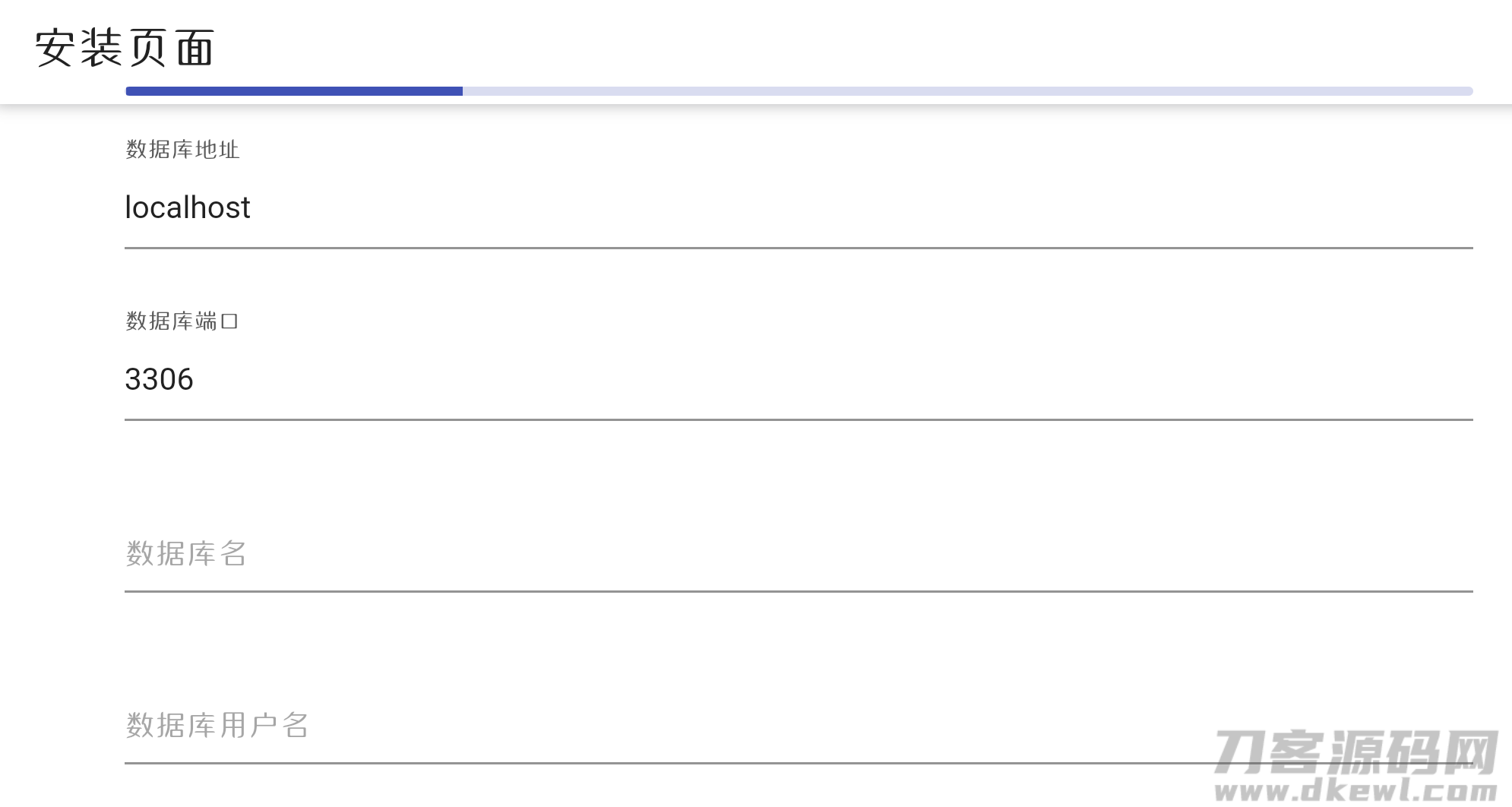
安装教程:打开:http://网址/install
即可开始安装
在该功能中添加参数、状态码添加使用了短代码。比如添加请求参数短代码:
<blockquote style="white-space: normal; box-sizing: inherit; margin: 15px 0px 20px; padding: 10px 45px; -webkit-tap-highlight-color: rgba(0, 0, 0, 0); position: relative; border-radius: 3px; background-color: rgb(248, 248, 250); color: rgb(85, 85, 85); font-family: "Helvetica Neue", Helvetica, " ingFang SC", Tahoma, Arial, sans-serif; font-size: 14.08px;">[format--string--否--格式] [type--string--是--类型] ingFang SC", Tahoma, Arial, sans-serif; font-size: 14.08px;">[format--string--否--格式] [type--string--是--类型]
</blockquote>等同于下方代码:
<blockquote style="white-space: normal; box-sizing: inherit; margin: 15px 0px 20px; padding: 10px 45px; -webkit-tap-highlight-color: rgba(0, 0, 0, 0); position: relative; border-radius: 3px; background-color: rgb(248, 248, 250); color: rgb(85, 85, 85); font-family: "Helvetica Neue", Helvetica, "ingFang SC", Tahoma, Arial, sans-serif; font-size: 14.08px;"> <div class="mdui-table-fluid">
<table class="mdui-table mdui-table-hoverable">
<thead>
<tr>
<th>参数名称</th>
<th>参数类型</th>
<th>是否必填</th>
<th>备注内容</th>
</tr>
</thead>
<tbody>
<tr>
<td>format</td>
<td>string</td>
<td>否</td>
<td>格式</td>
</tr>
<tr>
<td>type</td>
<td>string</td>
<td>是</td>
<td>类型</td>
</tr>
</tbody>
</table>
</div>
</blockquote>
注意:添加的PHP接口文件一定要放在./API/下
也不要更改文件夹名称!
否则会出现不必要的错误!
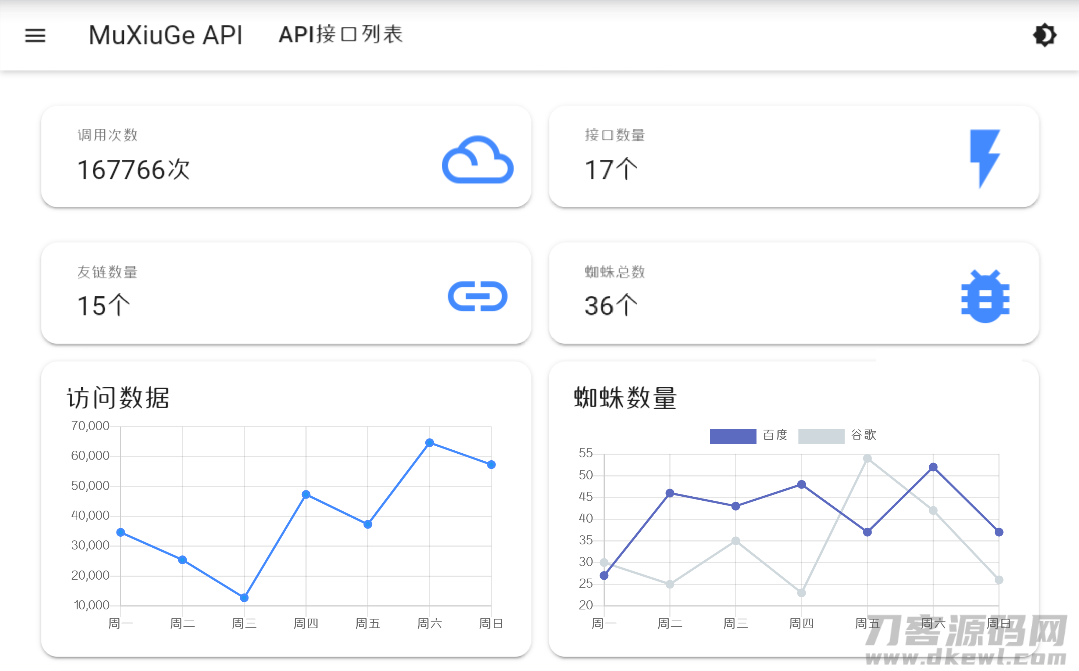
因为懒,所以蜘蛛统计没有做,但是在functions.php里检测蜘蛛的函数已经写好了,如果有需要的自己写一个
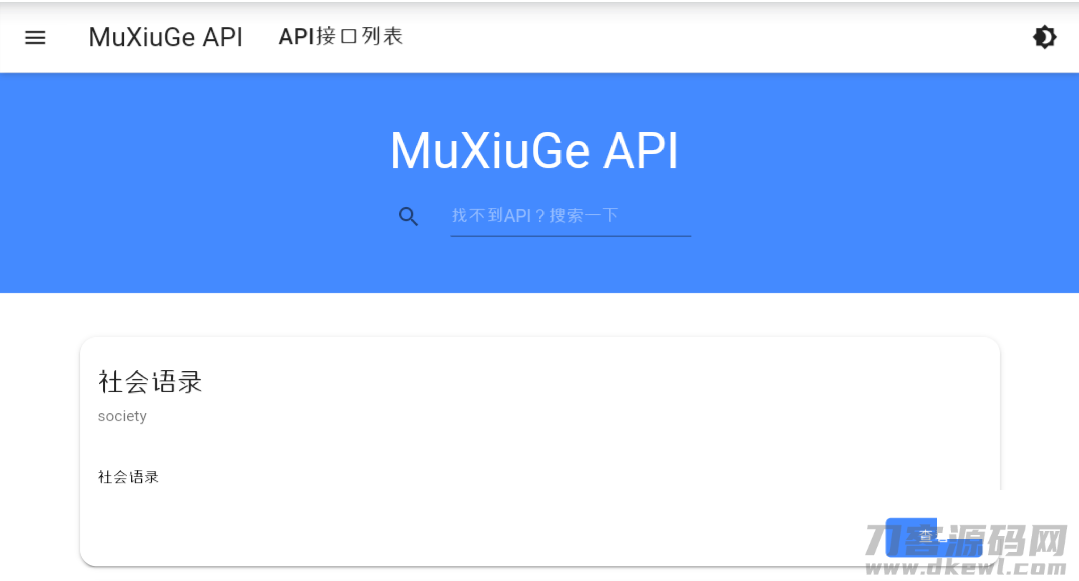
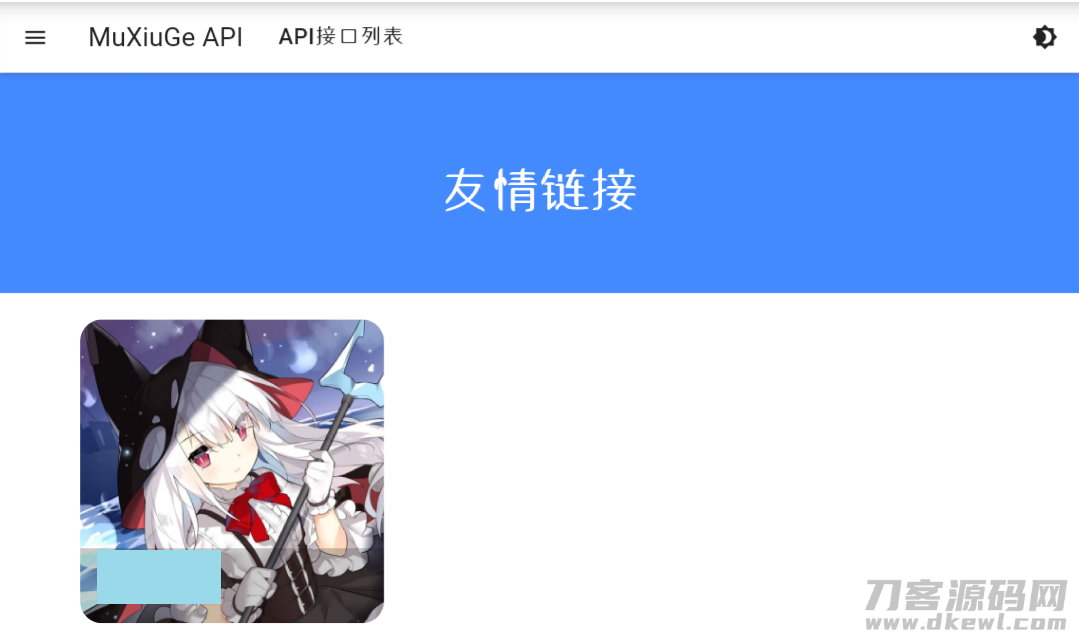
效果图:
   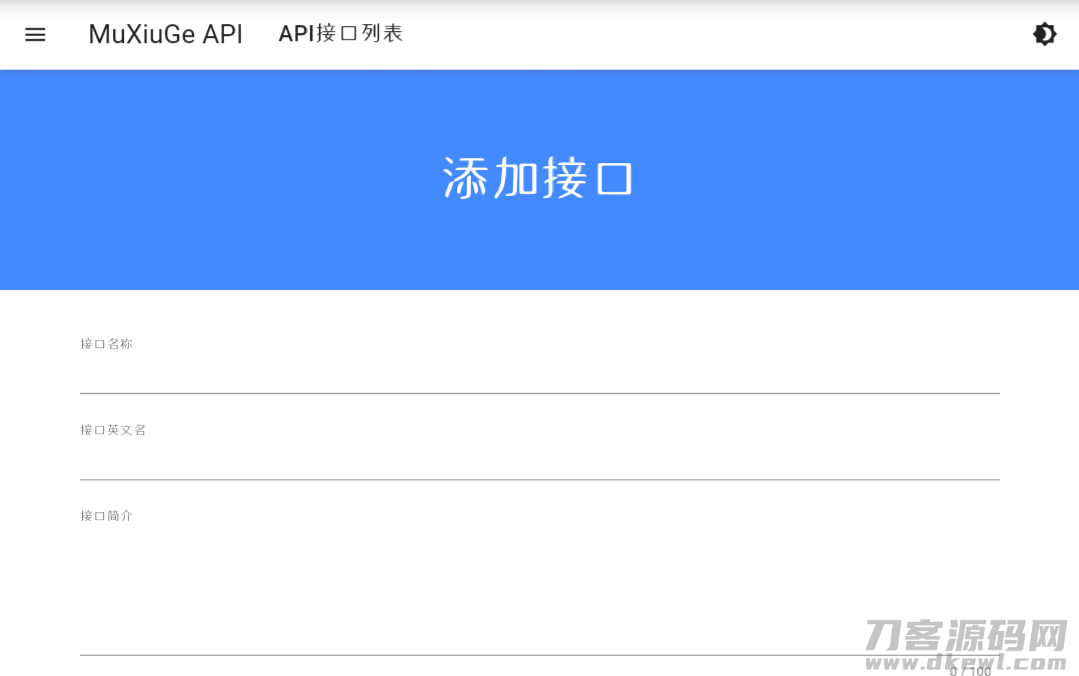 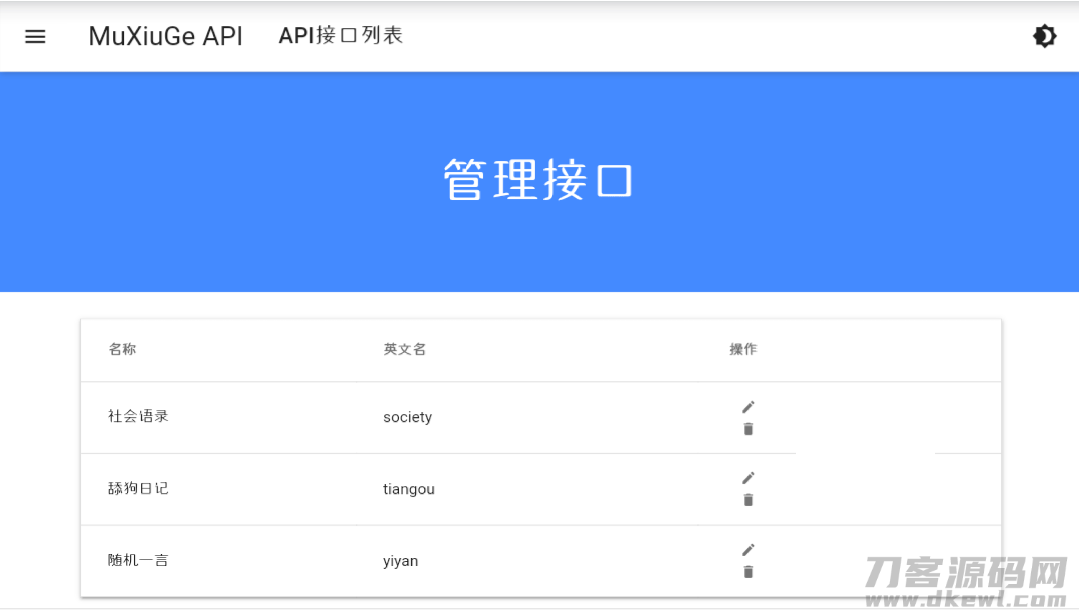
下载地址:基于MDUI的API管理系统.zip |
|